> For the complete documentation index, see [llms.txt](https://infinitypbr.gitbook.io/magic-pig-games/llms.txt). Markdown versions of documentation pages are available by appending `.md` to page URLs; this page is available as [Markdown](https://infinitypbr.gitbook.io/magic-pig-games/other/portrait-avatars/important-considerations.md).
# Important Considerations
v1.0
**Portrait Avatars** aims to be as lightweight as possible. There are a few considerations to keep in mind.
## Cleaning up / removing portraits
Each 3D portrait holds a `Camera` + `RenderTexture` and occupies a layer; call `DestroyPortrait` / `DestroyAllPortraits` when done; earlier versions had no teardown API, so projects that create portraits on the fly should switch to these. Tip: prefer 2D for non-hero slots (no camera/RT/layer cost).
## Light Bleed vs Environment Geometry on 3D Portrait Subjects
{% hint style="success" %}
If your subject is not a 3D mesh, or is not lit by any lighting in your environment, then this will not affect you.
{% endhint %}
When you instantiate your portrait, the 3D subject is placed at the player position, unless you put the Portrait Avatar Parent elsewhere. This means that as the "Player" moves around, the lighting in the world can affect the subjects of the portraits.
This can be a very pleasing effect, bringing a sense of realism and presence to your portraits.
However, there is a tradeoff that must be made, depending on how your scenes are constructed.
#### Light Bleed
When your character is real sized, you likely will make your Avatar Camera only "see" your character via the Culling Mask option, set to only the layer of the character. This means that when your player is close to a wall, the wall will not block the view of the camera, but also the shadow cast by the wall will not be seen on the character mesh. Generally this probably isn't much of an issue, if you have a light on your Avatar object.
However, when there is a light on the other side of a wall it will "bleed" through the wall, illuminating the Avatar, even though the player would not be illuminated by the light.
### Solutions
There are solutions here! However, they require tradeoffs, so which solution is better is entirely based on your project.
#### Ensure no light bleed in the scene
One option is to ensure that your scenes do not have lights which could bleed through walls. Thicker walls, essentially. Your project may be set up like this organically, in which case, all of this is not an issue.
However, not all projects can be set up like this. Some walls may not be very thick, and there just needs to be a light on the other side of it. If you can't put objects to block the player from getting inside the lights sphere, then you'll face this problem at some points in your scenes.
#### Resize the Avatar
You can also resize the entire Avatar object including the camera and lights.
{% hint style="success" %}
One easy way to do this is to set up the Avatar Object at "real" size, and then scale down the entire object. Then, you may wish to ensure the Avatar is instantiated at the height that the "eyes" of the Avatar would be, were they full sized.
{% endhint %}
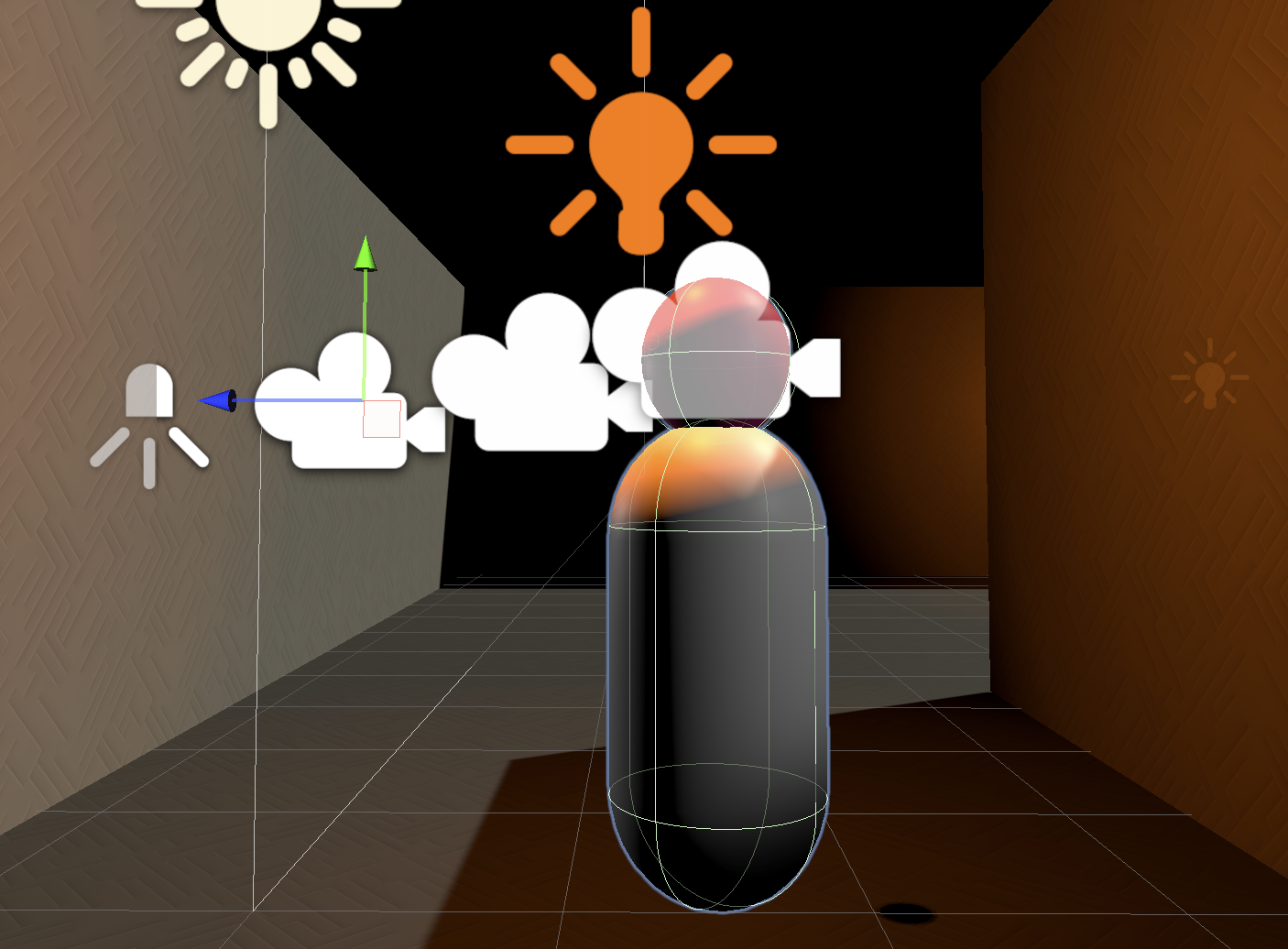
This is the full size Avatar
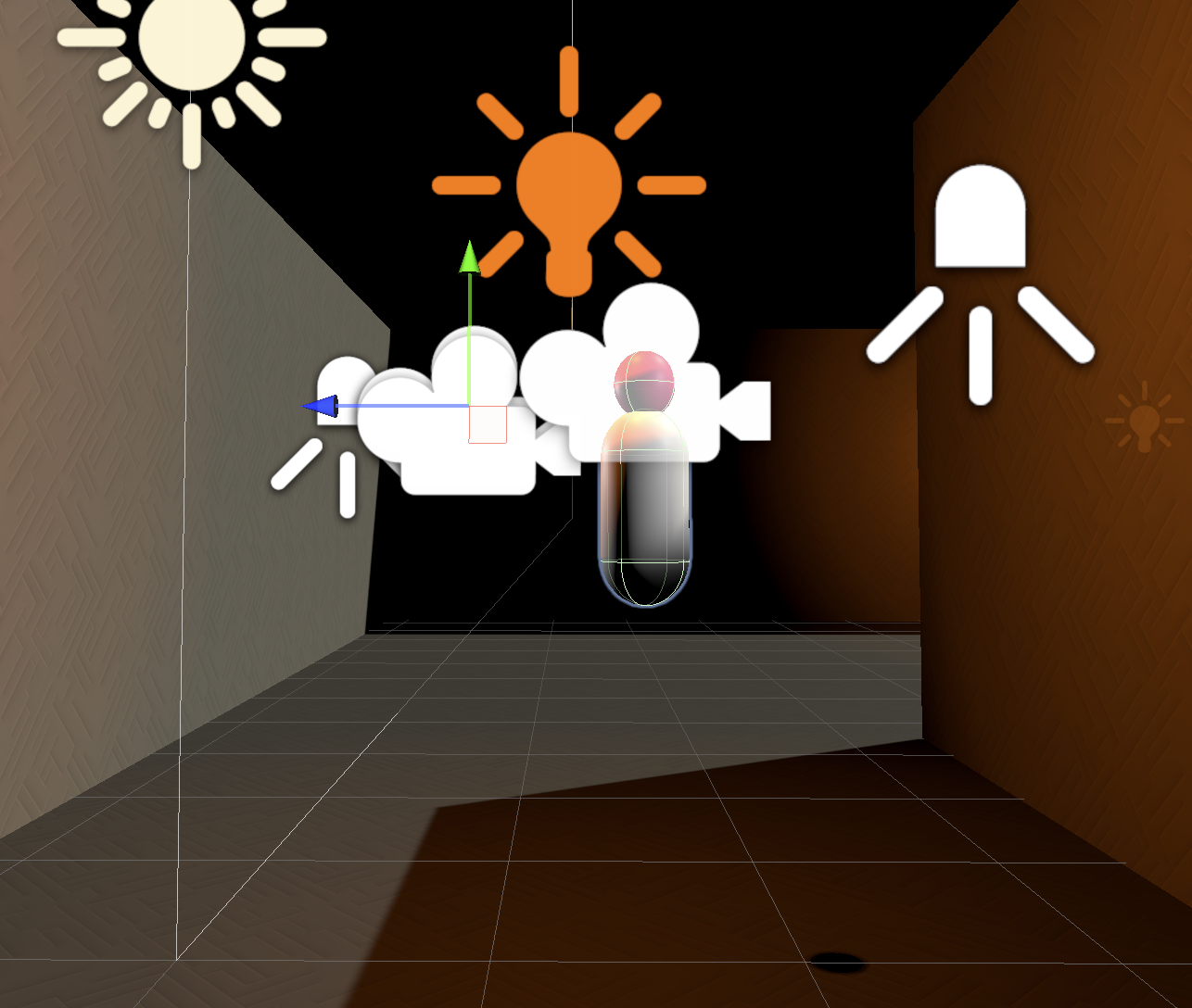
This is the resized, smaller, Avatar
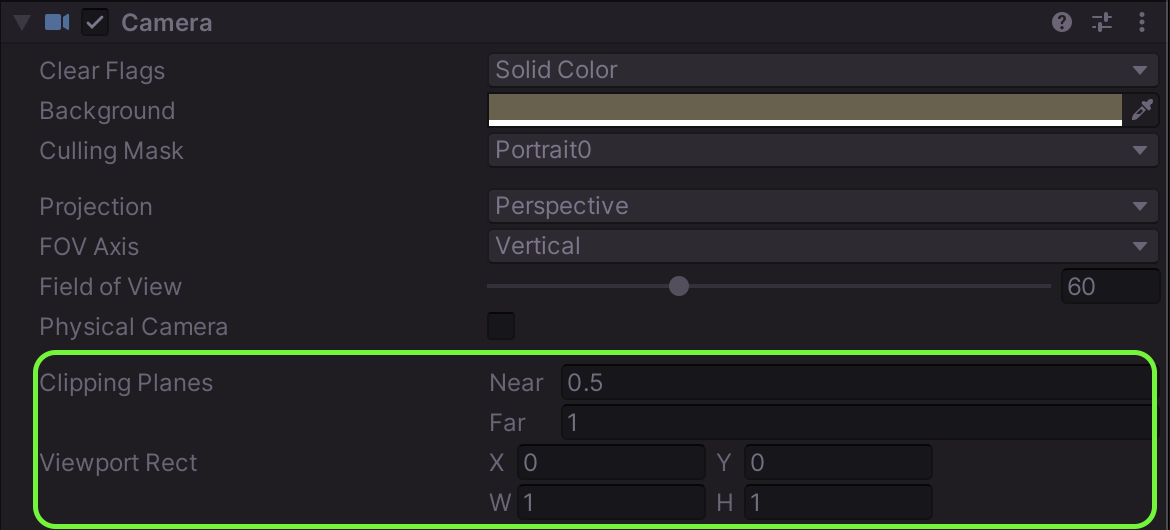
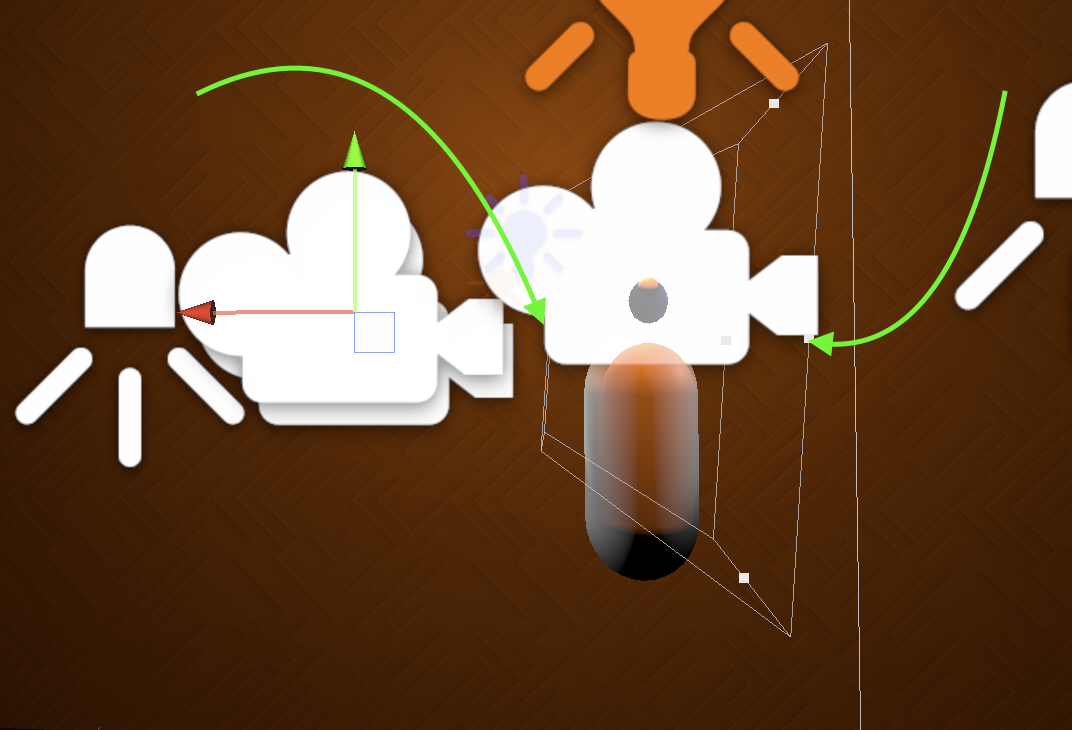
Set the Avatar camera Clipping Planes to be just in front of and behind the 3D object. This will drastically reduce the chances of scene geometry getting between the camera and the avatar.
The scene lighting will continue to affect the avatar, and be visible in the portraits. The light may be slightly different than it would be for a full size character, but likely not to the extend that players (or devs!) would notice.
{% hint style="info" %}
It is possible to set the camera view settings (tilt range), and scale of the avatars to ensure the camera is not able to see the avatars. If that's the case, then
{% endhint %}
## Too many 3D Avatars
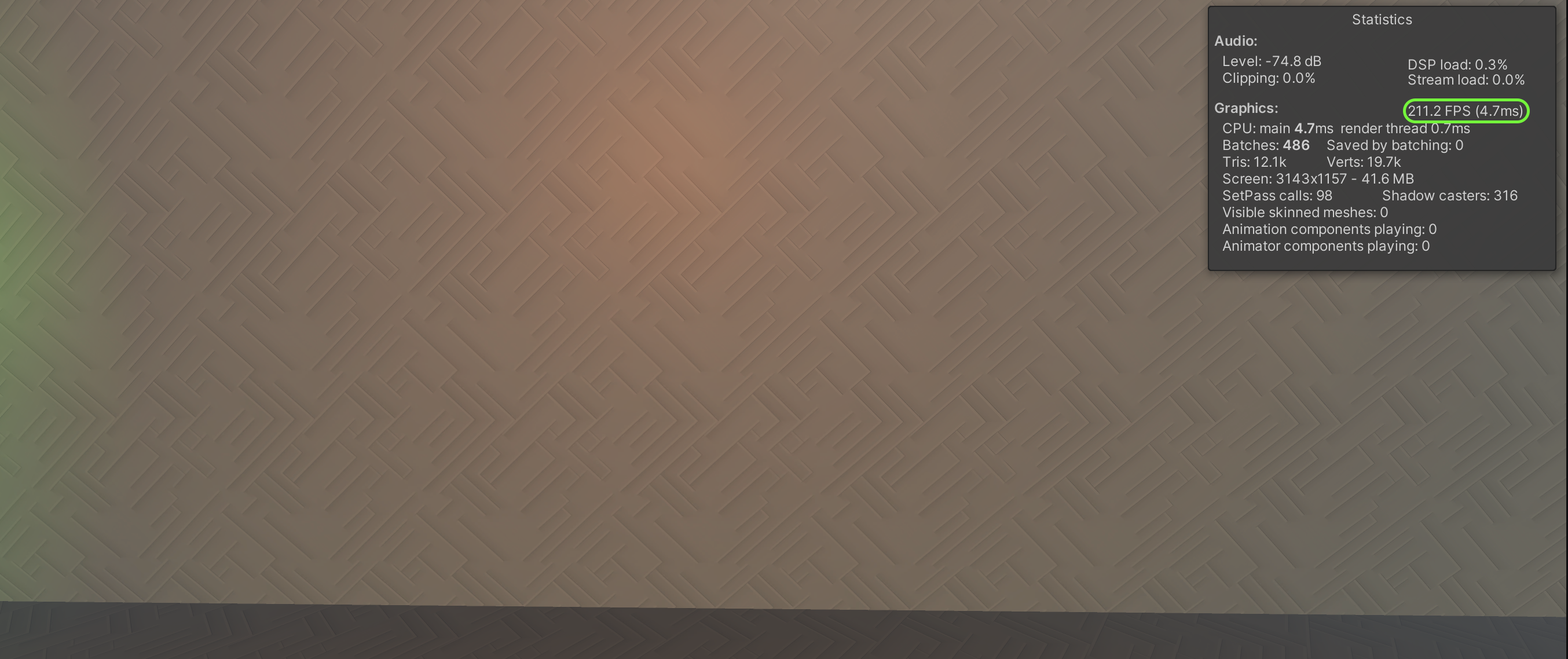
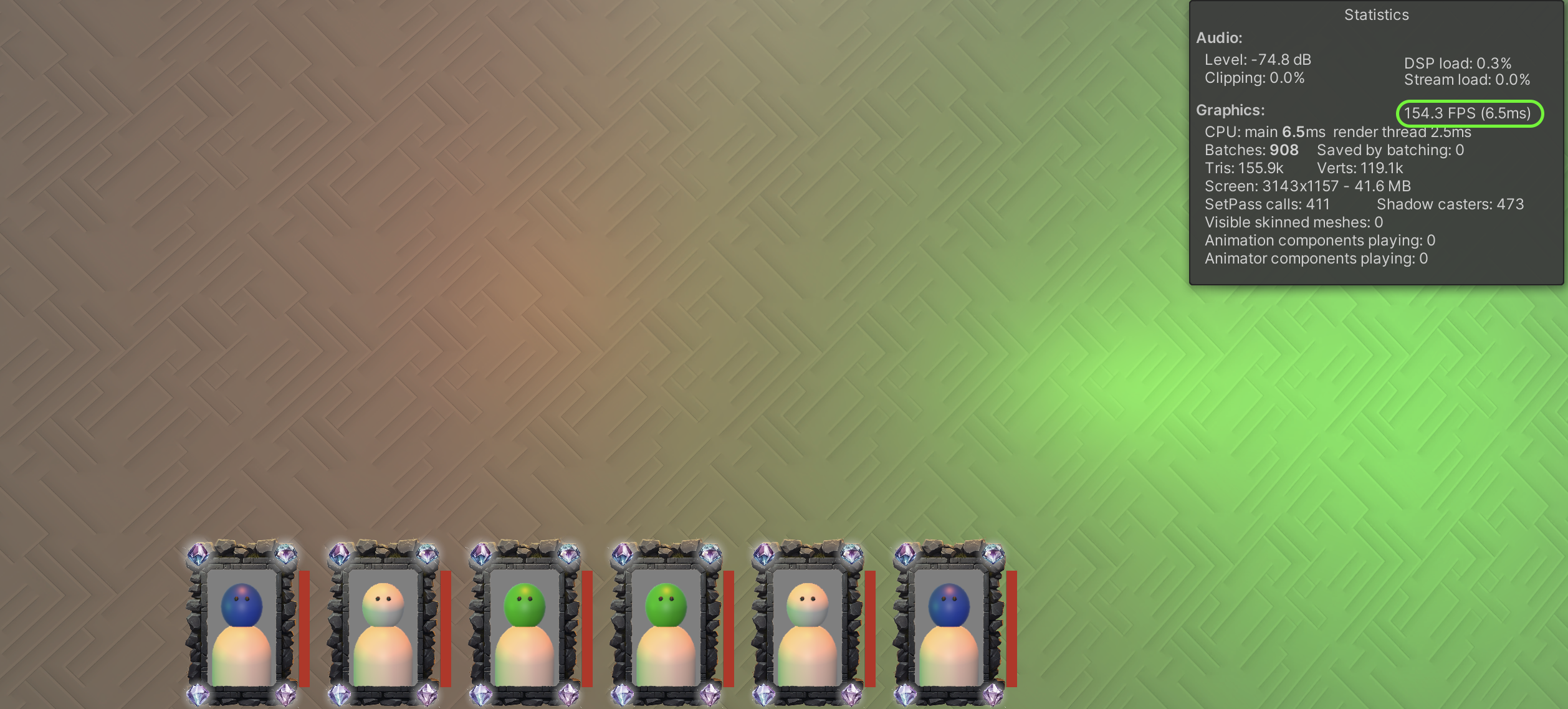
3D Avatars look great, but each one has it's own `Camera`. Too many cameras can reduce your games framerate. Depending on your project and target platform, you may be able to easily have 4, 6, or even 8 at once without an issue.
Check the frame rate in the Game view to see how your FPS is affected by additional 3D avatars to get a sense of the impact.
You can always use 2D avatars instead, or mix them -- keep 3D avatar for the main "Players", and use 2D avatars for additional avatars in the game.