> For the complete documentation index, see [llms.txt](https://infinitypbr.gitbook.io/magic-pig-games/llms.txt). Markdown versions of documentation pages are available by appending `.md` to page URLs; this page is available as [Markdown](https://infinitypbr.gitbook.io/magic-pig-games/juicy-actions/action-finder.md).
# Action Finder
v1.0
Wondering where actions are being used in the scene, or on Prefabs? Well, then the Action Finder is the tool for you!
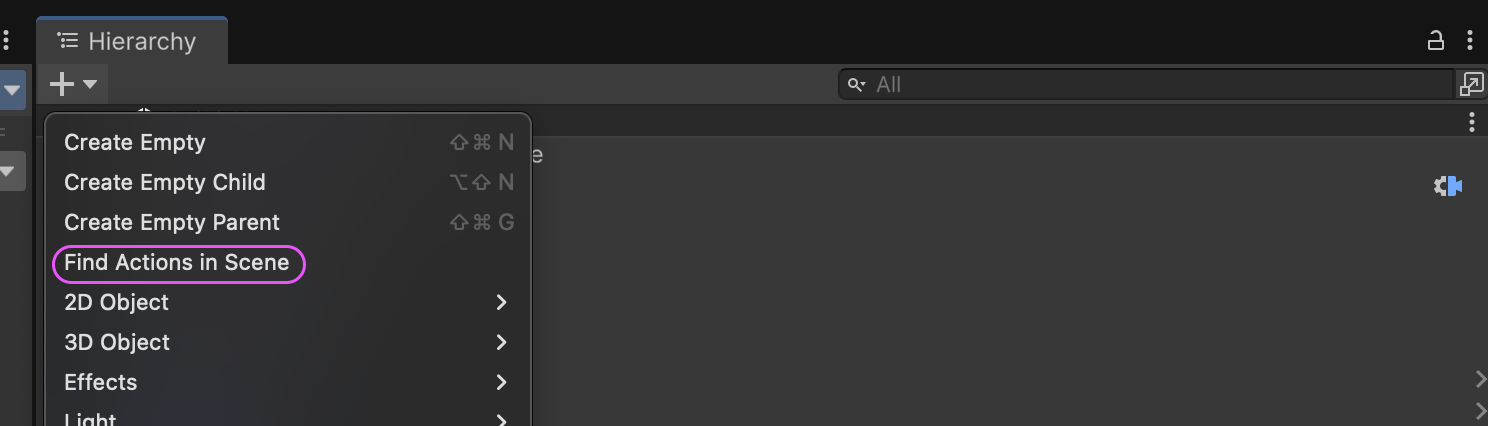
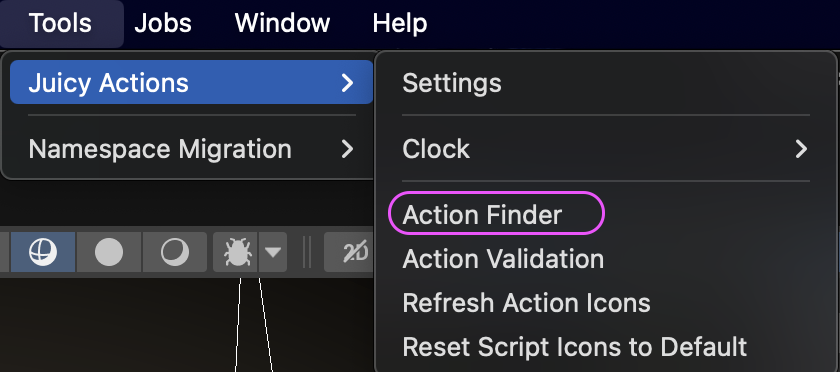
*Tools/Juicy Actions/Action Finder* or in the Hierarchy *+ / Find Actions in Scene* will open the Action Finder window.
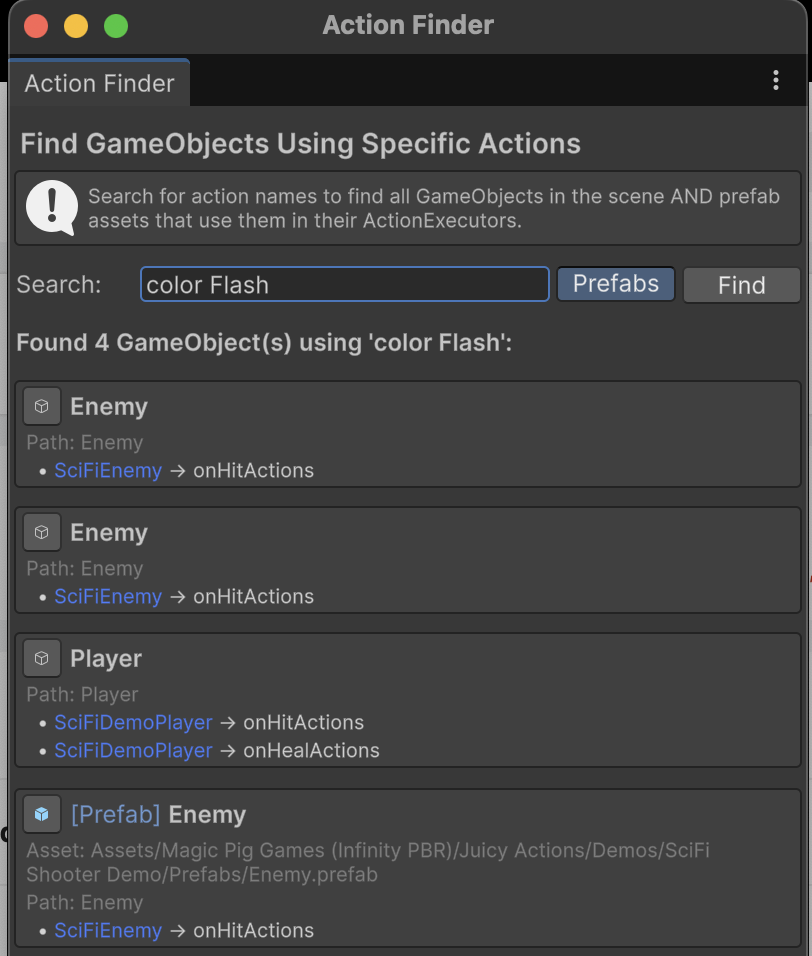
Type in an Action name in full or in part and objects in the scene using that Action will be displayed. Toggle on the "Prefabs" button to also search for Prefabs in the project. Helpful buttons will ping the objects for you.